For many small businesses in Australia, choosing the right business phone system is one of the fastest ways to win new work, support customers and keep operations moving. But not every phone system suits every business. Choosing the right system can make a real difference to how professionally your business sounds, how quickly your team responds, and how easily you can grow.
At Smart Phone Systems, we speak to business owners every week who are frustrated by missed calls, clunky transfers, staff using personal mobiles, or old systems that no longer suit the way they work. The good news is that choosing the right business phone system does not have to be complicated.
If you are wondering how to choose a business phone system, start by looking at how your team handles calls today.
Start by looking at how your business handles calls
Before comparing providers or features, take a step back and look at how your business uses the phone today.
Ask yourself these questions:
- Do our customers mainly call for bookings, enquiries, or urgent support?
- Do our calls need to be answered by reception, a team, or a specific person?
- Do we need calls routed differently after hours?
- Would our team benefit from the ability to answer calls remotely?
The best phone system is not the one with the longest feature list. It is the one that fits the way your business operates. A small medical clinic, trade business, law firm, accounting firm, or retail business may all need a professional phone solution, but the call flow will look very different for each.
Choose a system that works wherever your team works
For most Australian small businesses, flexibility matters more than ever. Your team may be in the office some days, working remotely on others, or making or taking calls from mobile devices while travelling between jobs.
A modern business phone system should make it easy for staff to answer calls from a desk phone, computer, or mobile without losing visibility or professionalism. That means your customers still reach the right person, your team can transfer calls properly, and the business number stays front and centre.
This is especially important for growing businesses that want to maintain a professional customer experience without being tied to one physical location. For example, a virtual phone app or softphone on a computer can help staff stay connected without relying on personal mobile numbers.
Look for the features that improve customer experience
A good phone system should do more than just make and receive calls. It should help your business handle calls more efficiently and give customers a better experience.
Some of the most useful features for a small business include:
- An auto attendant gives callers a professional greeting and helps them reach the right person without needing a dedicated receptionist. Even a simple menu, press 1 for sales, press 2 for support, makes a small business sound more professional. It also reduces unnecessary call transfers.
- Ring groups mean that when one person is busy or unavailable, calls keep ringing to other team members. This reduces the chance of a customer hanging up before anyone answers.
- Voicemail to email means missed calls do not disappear into a black hole. The voicemail is delivered to an email inbox, where it can be listened to, actioned, forwarded or followed up. Some systems also include speech-to-text transcription. This means the message appears as readable text in your email inbox.
- After-hours routing lets your phone system behave differently outside business hours, on weekends, and on public holidays. Callers can hear a professional message, leave a voicemail, or be directed to an on-call team member, without any manual intervention from your staff.
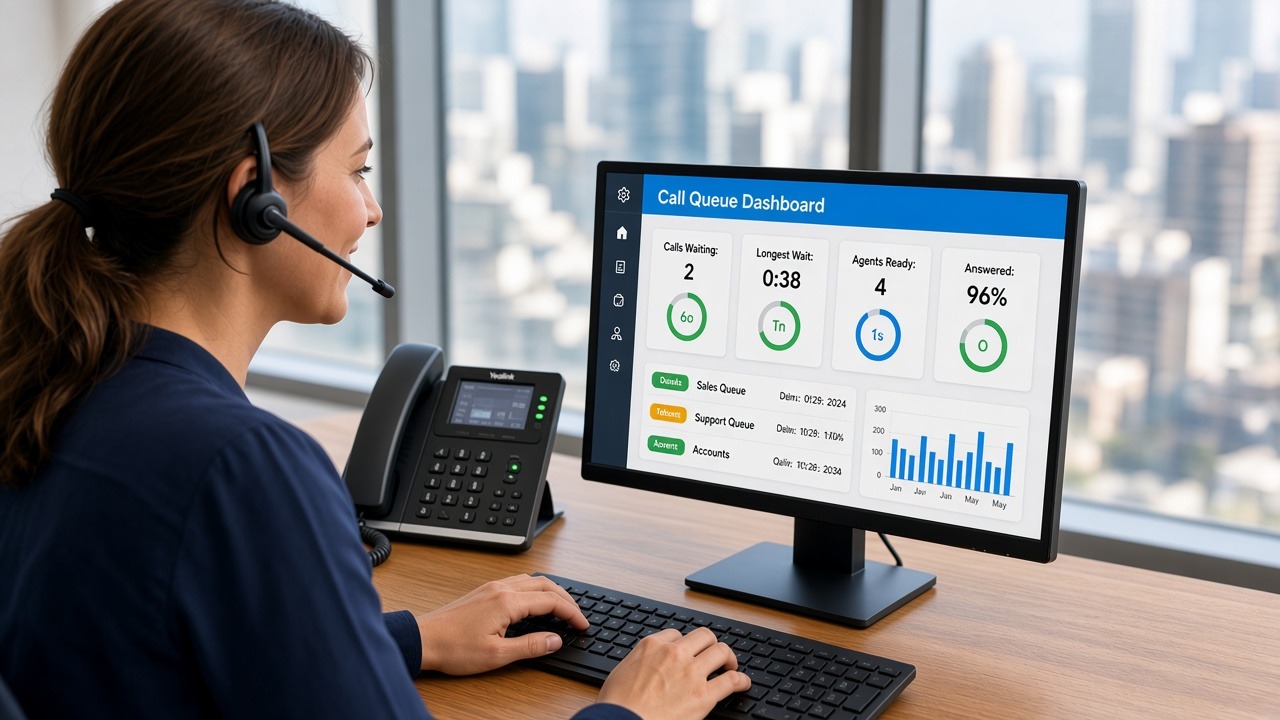
- Call reporting gives you visibility over how calls are being handled. You can see how many calls came in, how many were missed, what times are busiest, and whether customers are reaching the right people. That information can be genuinely useful for staffing decisions and customer service improvements.
- Optional call recording for training or quality control where your business needs it.
You do not need every feature from day one, but you do want a system that gives you room to improve how calls are managed as your business grows. You can see more examples of available phone system features on our features page.
Make sure setup and number porting are straightforward
One of the biggest concerns small businesses have when switching phone systems is disruption. No one wants downtime, confusion, or lost calls during the transition.
That is why it is worth asking the provider how setup works, how long rollout usually takes, and whether they handle number porting for you. If your business has an existing phone number that customers already know, keeping that number is absolutely essential, but the ability to add additional numbers can often be helpful.
A smooth setup process should include planning your call flow, configuring extensions, organising number porting, and making sure your team knows how to use the system before go-live. At Smart Phone Systems, our setup and rollout process is designed to guide businesses through planning, configuration, porting, go-live, training, and ongoing support.
Understand the total cost, not just the monthly price
When comparing business phone systems, it is easy to focus only on the monthly fee. But the real value comes from understanding the full picture.
Make sure you consider:
- Setup costs.
- Hardware costs, if any.
- Ongoing support.
- Call costs.
- Training and onboarding.
- Whether changes and future additions are simple.
For a small business, predictable costs are important. A system that looks cheap at first can become frustrating if every small change requires extra time, extra spend, or external help.
The right phone system should be cost-effective, but it should also save time, reduce missed opportunities, and support your team properly. Our prices page explains setup costs, monthly extension pricing, onboarding, number porting assistance, hardware options, and ongoing support.
Think about where your business will be in 12 to 24 months
Your phone system should suit your business now, but it should also support where you are heading next.
Maybe you are planning to hire more staff, or you want to open another location. Or possibly you need a better solution for remote workers or a more structured way to handle inbound calls.
A scalable system allows you to add users, change call routing, and expand features without having to replace everything later. That makes a huge difference for small businesses that want to stay agile without outgrowing their communications setup too quickly.
Back local support and real advice
Technology matters, but support matters just as much.
When issues come up, or when your business needs to change call routing, add staff, or adjust settings, you want help that is responsive and easy to access. For Australian small businesses, there is real value in dealing with a provider that understands local businesses, local expectations, and the importance of reliable service.
The right provider should not just sell you a system. They should help you design a solution that fits your business, guide you through setup, and support you as your needs evolve. If you are comparing options, our FAQ page answers common questions about setup, handsets, remote teams, urgency, support, and number porting.
Common mistakes to avoid
When choosing a business phone system, we often see small businesses make the same mistakes:
- Choosing based on price alone. Choosing based on price alone. A low monthly fee can look attractive, but it may not include setup, number porting, call flow design, training or ongoing support. The full cost includes the time your team spends figuring it out. It also includes calls missed during a messy transition and the frustration of making changes without proper help.
- Keeping an outdated system because switching feels too hard. Keeping an outdated system because switching feels too hard. Many businesses stay on old phone systems longer than they should because the idea of changing feels disruptive. In practice, a well-managed transition to a modern hosted phone system is usually much smoother than expected. The improvement in day-to-day communication is often immediate.
- Using personal mobiles with no central visibility. Using personal mobiles with no central visibility. When staff use personal mobile numbers, the business loses control of call history. There is also no way to transfer calls between team members or manage the customer experience consistently. If that staff member leaves, the business may lose the customer relationship along with them.
- Setting up a basic phone line without proper call routing. Setting up a basic phone line without proper call routing. A single inbound number with no ring groups, no after-hours rules, and no voicemail strategy means every missed call is a lost opportunity. A small amount of planning at setup can make a significant difference to how many calls your business actually answers.
- Ignoring after-hours handling and missed call management.
These decisions can lead to lost opportunities, inconsistent service, and unnecessary stress for your team. Features such as lost call alert emails, voicemail to email, call routing, and after-hours handling can make missed calls easier to manage and follow up.
Frequently Asked Questions
How many users do I need a phone system for?
A hosted phone system can work for a single user or a team of fifty. Even solo operators can benefit from a business number, a professional greeting, voicemail to email and after-hours routing. As your team grows, users and extensions can be added without replacing the whole system.
Can I keep my existing business phone number?
In most cases, yes. Your existing number can be moved to the new phone system through a process called number porting. This needs careful planning as part of the setup process. Done well, it avoids any disruption to incoming calls.
Do I need desk phones, or can my team use mobile apps?
Both options are available, and many businesses use a mix of the two. Desk phones suit reception, administration and high-call-volume roles. Mobile apps suit business owners, field staff, remote workers and anyone who needs to stay connected while away from the office. Softphones, software-based calling from a computer, are also an option for office staff who prefer not to have a physical handset.
How long does it take to set up a business phone system?
Setup time depends on the size and complexity of the system, but most small business setups can be completed within a few days to a couple of weeks. The main steps are planning the call flow, configuring extensions, porting your number and training the team. At Smart Phone Systems, we manage this process with you from start to finish.
Summing Up
Understanding how to choose a business phone system can help your small business avoid costly mistakes and choose a setup that supports future growth. A business phone system should make your business easier to run, not harder. It should help you answer more calls, route enquiries properly, sound more professional, and support your team whether they are in the office, on the road, or working remotely.
For small businesses in Australia, the best solution is usually one that combines flexibility, professional call handling, predictable costs, and ongoing support.
At Smart Phone Systems, we help Australian businesses implement hosted phone systems with features like mobile, desk, and browser access, smart call routing, IVR, voicemail to email, reporting, number porting, and ongoing support.
If you are ready to review your current phone setup or plan a better system for your business, get in touch with Smart Phone Systems for practical advice and next-step support.