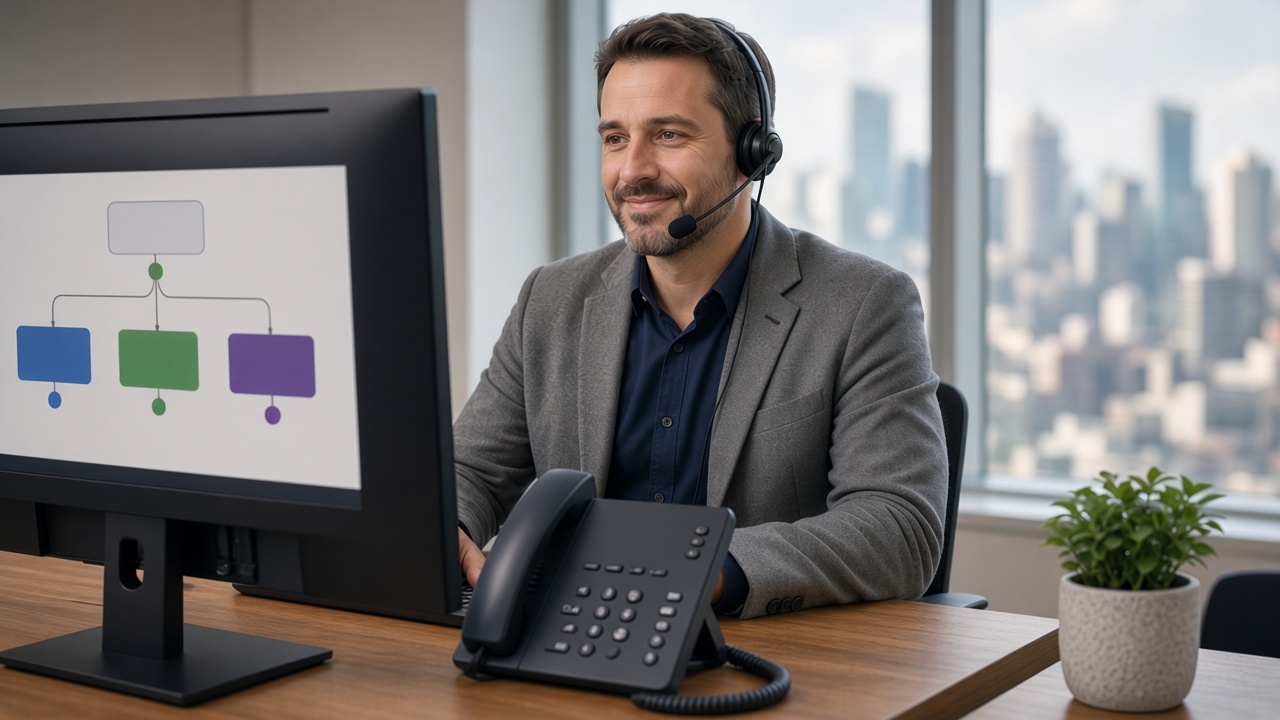
A ring group rings several phones at once, so whoever is free can pick up first. A hunt group rings phones one after another, in a set order, until someone answers. Both share incoming calls across your team, so you’re not relying on one person to answer every call.
What Is a Ring Group?
When a call comes in, every phone in the group rings at the same time. That can include desk phones, softphones on a computer and the mobile app on staff phones.
Ring groups suit situations where speed matters most. Any available person answering quickly gives a better experience than a caller waiting through a sequence of rings.
What Is a Hunt Group?
A hunt group rings through a defined order. A call often goes first to a primary staff member, then to a backup if it isn’t answered after a set number of rings, then to the next person after that.
Hunt groups suit situations where you want a specific person handling most calls, with others as a fallback, rather than everyone being interrupted at once.
Ring Groups vs Hunt Groups at a Glance
| Ring group | Hunt group | |
|---|---|---|
| How calls ring | All phones at once | One phone at a time, in a set order |
| Who answers | Whoever is free first | The first available person in the order |
| Best for | Fast answering when anyone can help | Calls that should reach a specific person first |
| Effect on the team | Everyone hears every call | Fewer interruptions for backup staff |
Which One Suits Your Business?
If you have a small team where anyone can help a caller equally well, a ring group usually gives the fastest response. A busy reception, a trade business taking job enquiries or a small office where everyone pitches in are good examples.
If certain calls should go to a specific person first, like an account manager or specialist, with others only stepping in when needed, a hunt group is generally the better fit. It keeps customers talking to the person who knows them, without leaving calls unanswered when that person is busy.
How Do Ring and Hunt Groups Fit Into Your Call Flow?
Groups are usually the destination behind other call handling features. For example, an auto attendant (IVR) menu might send “press 1 for sales” to a sales ring group and “press 2 for accounts” to a hunt group led by your bookkeeper.
A few things are worth deciding when you set them up:
- How long each phone rings before the call moves on, so callers aren’t left waiting.
- Where unanswered calls go, such as voicemail, another group or a mobile.
- Whether mobile apps are included, so staff working remotely or on site can still answer.
- Different rules after hours, so calls don’t ring an empty office.
Getting these details right is a big part of a professional caller experience. You can see how groups work alongside voicemail, mobile apps and other options on our features page.
Frequently Asked Questions
Can I use both at the same time?
Yes, many businesses combine them, for example a ring group for general enquiries and a hunt group for a specific department.
Does this affect voicemail if no one answers?
No, if no one in the group answers, calls can still fall through to voicemail or another number as configured.
Can staff answer group calls on their mobile?
Yes, the mobile app on a staff member’s phone can be part of a ring group or hunt group, so they can answer business calls on the business number wherever they are.
Not Sure Which You Need?
We can help you design a call flow that actually matches how your team works. Book a 15-Minute Chat with us and we’ll talk it through.