An auto attendant, also called an IVR (Interactive Voice Response), is the automated menu callers hear when they ring your business. It lets them press a number to reach the right department or person, without a receptionist needing to manually transfer every call.
How an Auto Attendant Works
When someone calls, the auto attendant answers with a recorded greeting, then reads out a short list of options, such as “press 1 for sales, press 2 for accounts”. Each option sends the caller to a destination you choose: one person, a ring group of several phones, a voicemail box or another menu. Callers who don’t press anything can go to a default destination, so nobody gets stuck listening to the menu on repeat.
Why Businesses Use One
An auto attendant gives even a small business a professional first impression, greeting callers consistently and routing them efficiently, whether that’s during business hours or with a different after-hours message outside of them.
It also reduces pressure on reception staff, since simple routing decisions, like connecting to accounts, appointments, or a specific team, happen automatically rather than requiring a person to manually transfer every call.
It suits teams that are out and about too. If your staff spend the day on site or on the road, menu options can ring their mobile apps on the business number, so customers still reach a real person even when nobody is sitting at a front desk.
How to Set Up an Auto Attendant
These are the steps we follow when setting up an auto attendant for a client.
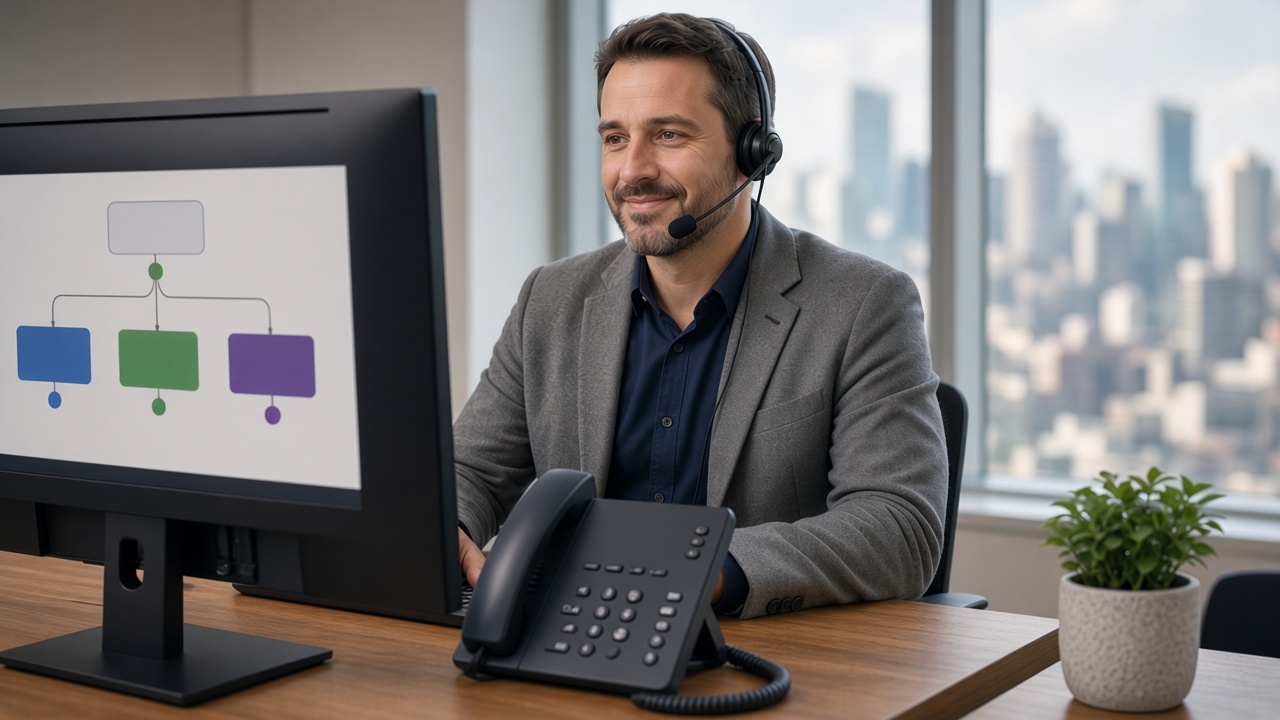
- Map out your call flow, deciding which departments or people calls should be able to reach directly. Three or four options is usually plenty, because callers struggle to remember a long list.
- Record or choose a professional welcome greeting for standard hours. Say your business name early and keep it short, so callers hear their options quickly.
- Set up a separate after-hours or public holiday greeting if needed. This is the place to give your opening hours and tell callers what happens next, such as leaving a message.
- Assign menu options (press 1, press 2, etc) to the right ring groups or individuals. Make sure every option leads somewhere useful, including a fallback for callers who don’t choose one.
- Test the full flow from a caller’s perspective before going live. Ring in from a mobile, try every option and check what happens outside business hours.
Tips for a Menu Callers Won’t Mind
- Put the most common reason people call as option 1.
- Offer a way to reach a person, so callers who don’t fit a category aren’t left guessing.
- Use the wait time well. Messages on hold can share useful information while callers wait to be connected.
- Review the menu whenever your team or services change, so options never point to someone who has moved on.
An auto attendant works alongside other call handling features such as ring groups, voicemail and mobile apps, which you can see on our features page. If you’re still deciding which number callers should dial in the first place, our guide to 1300 vs 1800 vs local numbers covers the options.
Frequently Asked Questions
Do I need a professional voiceover for the greeting?
It’s not essential, but a custom welcome message recorded by a voiceover professional does give a more polished, consistent impression than a default system voice.
Can the menu change automatically outside business hours?
Yes, auto attendants can be configured with different greetings and options for standard hours, after hours, and public holidays.
Is this something I can set up myself?
You can, but most businesses prefer us to design and configure the call flow for them, so it matches how the business actually operates rather than a generic template.
Get Your Call Flow Set Up Properly
We’ll work with you to design an auto attendant that matches how your team actually handles calls. Book a 15-Minute Chat to get started.