After-Hours Phone Management for Business Calls
After-hours phone management helps your business handle calls when the office is closed. With the right after-hours call routing, your system sends calls to voicemail, an on-call team member, a mobile phone or the right support process, instead of losing them.
That is why after-hours phone management is important for businesses that rely on phone calls.
With Smart Phone Systems, your hosted phone system can help manage calls after hours using call forwarding, schedules, ring groups, voicemail to email, mobile apps, and on-call routing. This helps your business stay responsive without requiring someone to sit beside a desk phone all night.
After-hours call handling is particularly important for medical clinics, NDIS providers, trade businesses and HVAC companies where urgent calls can arrive outside business hours.
Learn more about our hosted solution here:
Hosted Phone Systems
Why After-Hours Phone Management Matters
A missed after-hours call can become a missed opportunity. It may be a new customer, an urgent support request, a booking enquiry, or an existing client needing help.
Without a clear after-hours call process, businesses can run into problems such as:
- calls going unanswered;
- customers not knowing what to do next;
- urgent calls being missed;
- staff being contacted on personal mobiles;
- voicemail messages being discovered too late;
- no clear responsibility for on-call follow-up;
- inconsistent customer service outside office hours.
A good after-hours phone setup helps your business decide what should happen when someone calls outside your normal operating times.
For some businesses, calls may go to voicemail. For others, urgent calls may route to an on-call person. In some cases, different rules may be needed for weekdays, weekends, public holidays, or different teams.
Set Business Hours and Call Schedules
The first step in after-hours phone management is setting clear business hours.
A hosted phone system can use schedules to decide how calls should be handled at different times of the day. During business hours, calls may ring the office or a team. After hours, they may follow a different path.
For example, after-hours calls could be sent to:
- a voicemail box;
- an on-call staff member;
- a mobile phone;
- a ring group;
- an after-hours message;
- a support team;
- a backup contact.
This helps your business avoid confusion and gives callers a more consistent experience.
Call schedules automate this process. No one needs to manually change settings each day.
Forward After-Hours Calls to the Right Person
Call forwarding is one of the most useful features for managing business calls after hours.
If your business needs urgent calls answered outside normal operating times, calls can be forwarded to a designated team member or mobile device. This allows the right person to respond without exposing their personal mobile number as the main business contact.
After-hours forwarding can be useful for:
- emergency support;
- service businesses;
- medical or allied health practices;
- trades;
- property management;
- IT support;
- on-call teams;
- businesses with customers in different time zones.
With the right setup, callers can still reach your business while your team keeps better control over how and when calls are answered.
Use Ring Groups for On-Call Teams
Sometimes one person should not be responsible for every after-hours call. In those cases, ring groups can help.
A ring group allows multiple team members to be alerted when a call comes in. Depending on the configuration, phones may ring at the same time or in a set order.
This can improve the chance of an urgent call being answered quickly.
Ring groups can be useful for:
- support teams;
- service technicians;
- sales teams;
- emergency response teams;
- managers sharing after-hours duties;
- businesses with rotating on-call staff.
For example, an after-hours call might first ring the primary on-call person. If they do not answer, it could then move to another team member or voicemail.
A ring group gives your business a more reliable backup process.
Use Call Queues Where Appropriate
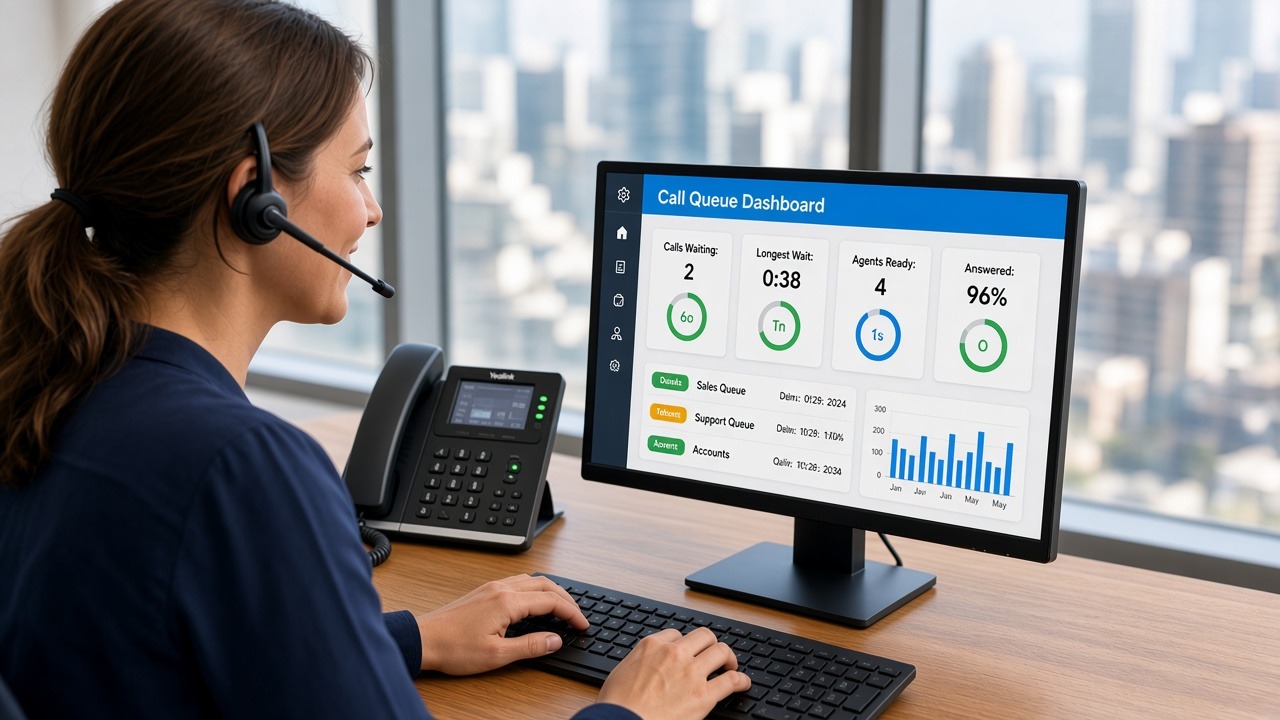
Call queues can help manage incoming calls when several people may be available to answer.
For after-hours use, call queues are not always necessary, but they can be useful for businesses that operate extended hours or have on-call support teams.
A call queue can help by:
- holding callers while staff become available;
- playing a message or announcement;
- distributing calls to available team members;
- reducing the chance of calls being lost;
- creating a more structured caller experience.
For many small businesses, simple forwarding or voicemail may be enough. However, for larger teams or support-based businesses, a call queue can be a useful part of the after-hours process.
Send Voicemail to Email
Voicemail is helpful, but only if someone checks it quickly.
With voicemail to email, voicemail messages can be sent directly to a staff member or team inbox. This makes it easier for on-call staff to review messages without needing to dial into a voicemail system.
Depending on your setup, voicemail to email can help staff:
- see that a message has been left;
- listen to the voicemail from email;
- prioritise urgent messages;
- forward the message to another team member;
- keep a record of customer enquiries.
If transcription is available, staff may also be able to read the message summary before listening to the audio. This can save time and help important details stand out.
Read more here:
Voicemail to Email With Transcription
Use Lost Call Alerts for Missed After-Hours Calls
Some callers do not leave voicemail messages. They may hang up, call a competitor, or try again later.
Lost call alert emails can help by notifying your team when a call was missed, even if no voicemail was left. This can be especially useful after hours because staff may not be watching the phone system in real time.
Lost call alerts can help your team:
- identify missed enquiries;
- follow up quickly;
- reduce lost opportunities;
- track after-hours demand;
- improve accountability;
- understand when calls are being missed.
For businesses that rely on phone enquiries, this can be a simple way to improve follow-up.
Related article:
Lost Call Alert Emails
Keep Staff Mobile With Business Phone Apps
After-hours staff are often away from their desks. They may be at home, travelling, or on-site with a customer.
A hosted phone system can support mobile access so staff can make and receive business calls from a mobile device. This helps on-call team members stay reachable without relying only on their personal mobile number.
Mobile access can help staff:
- answer business calls away from the office;
- return calls using the business number;
- access voicemail;
- stay connected while on call;
- avoid giving out personal numbers;
- support customers from different locations.
This is particularly useful for businesses with remote workers, mobile teams, or flexible working arrangements.
Read more here:
Remote Business Phone System
Create Professional After-Hours Messages
A good after-hours message helps callers understand what to expect.
Instead of simply ringing out, your phone system can play a message explaining that the office is closed and what the caller should do next.
For example, your message might say:
Thank you for calling Smart Phone Systems. Our office is currently closed. Please leave your name, phone number and a brief message, and we will return your call as soon as possible.For urgent services, the message may direct callers to an on-call option.
A clear after-hours message can help:
- set expectations;
- reduce caller frustration;
- explain response times;
- direct urgent calls appropriately;
- maintain a professional impression;
- avoid confusion outside business hours.
Decide Which Calls Are Actually Urgent
Not every after-hours call needs to interrupt someone immediately.
A good after-hours call flow should separate urgent calls from general enquiries where possible. This helps protect staff time while still supporting customers who genuinely need help.
For example:
- general sales enquiries may go to voicemail;
- urgent support calls may route to an on-call person;
- existing customer calls may follow a different path;
- after-hours emergency calls may use a dedicated option.
This type of structure helps your business stay responsive without creating unnecessary pressure on staff.
Support a Better Customer Experience
After-hours phone management is not just about answering more calls. It is about giving callers a clear and professional experience.
When callers know what will happen next, they are less likely to feel ignored. Even when your team cannot answer immediately, voicemail, missed call alerts and clear call routing capture the enquiry and prompt follow-up.
Better after-hours management improves:
- customer confidence;
- response times;
- sales follow-up;
- support processes;
- team accountability;
- business professionalism.
For more on improving caller experience, read:
Customer Call Handling Tips
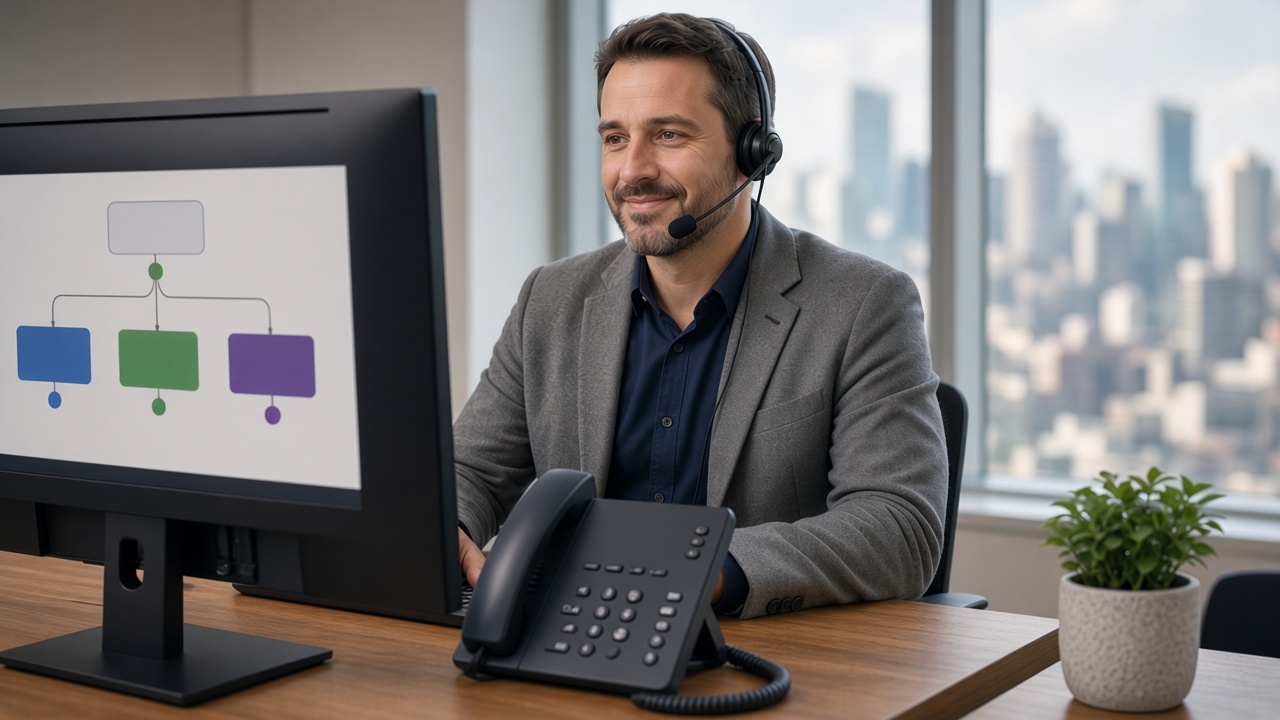
Plan Your After-Hours Call Flow
Before setting up after-hours routing, it helps to answer a few practical questions.
Ask:
- What are our normal business hours?
- What should happen to calls after hours?
- Which calls are urgent?
- Who should receive urgent calls?
- Should calls go to one person or a team?
- What happens if the on-call person does not answer?
- Should voicemail be sent to email?
- Who follows up missed calls the next business day?
- Do we need different rules for weekends or holidays?
Smart Phone Systems can help design an after-hours call flow that suits how your business operates.
Learn more about our setup process here:
Hosted Phone System Setup
After-Hours Phone Management With Smart Phone Systems
Smart Phone Systems helps Australian businesses manage phone calls more effectively during and after business hours.
Our hosted phone systems can support features such as:
- business hours and schedules;
- after-hours routing;
- call forwarding;
- ring groups;
- call queues;
- voicemail to email;
- lost call alerts;
- mobile apps;
- desktop calling;
- remote access;
- professional greetings.
Whether you need simple voicemail after hours or a more detailed on-call process, we can help configure a phone system that supports your business.
Explore more features here:
Business Phone System Features
Or contact us here:
Contact Smart Phone Systems
Conclusion
After-hours phone management helps businesses handle calls professionally when the office is closed. With the right setup, your phone system routes, forwards and directs calls to the right team member based on your business needs.
Smart Phone Systems can help your business manage after-hours calls with hosted phone system features such as call forwarding, schedules, ring groups, voicemail to email, lost call alerts, and mobile access.
As a result, your business can stay responsive, reduce missed opportunities, and provide a better experience for callers outside normal business hours.