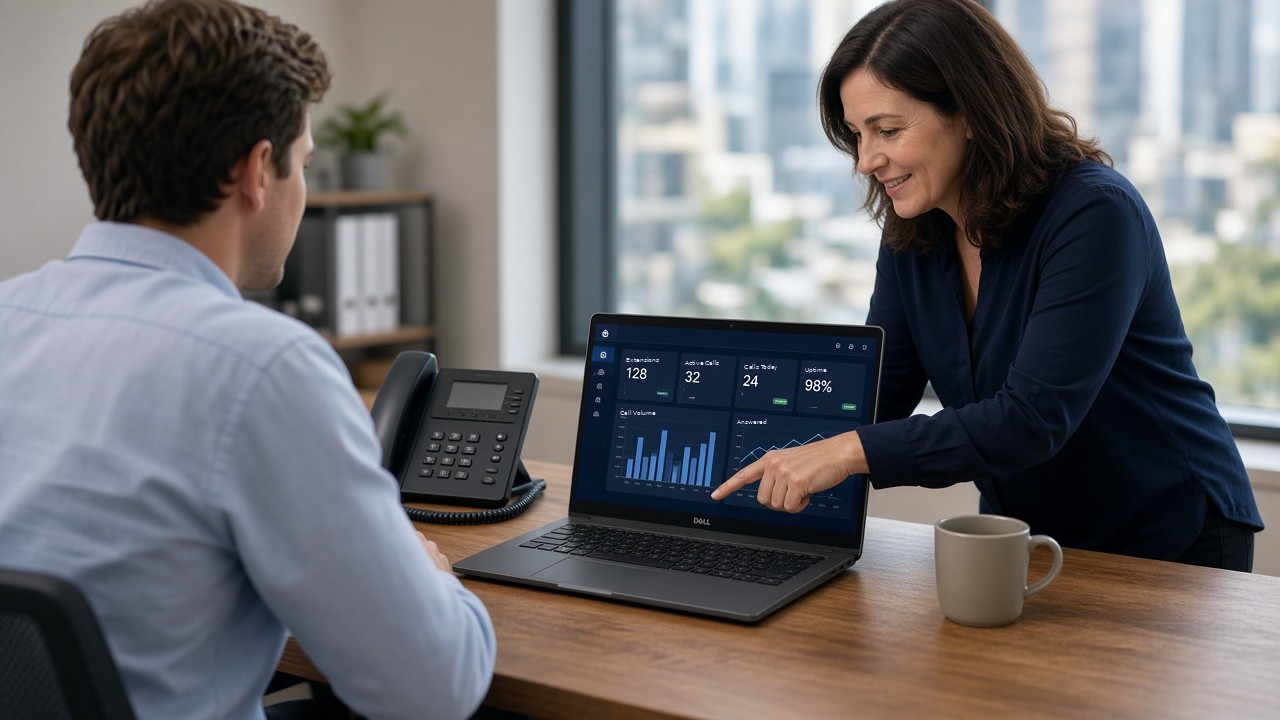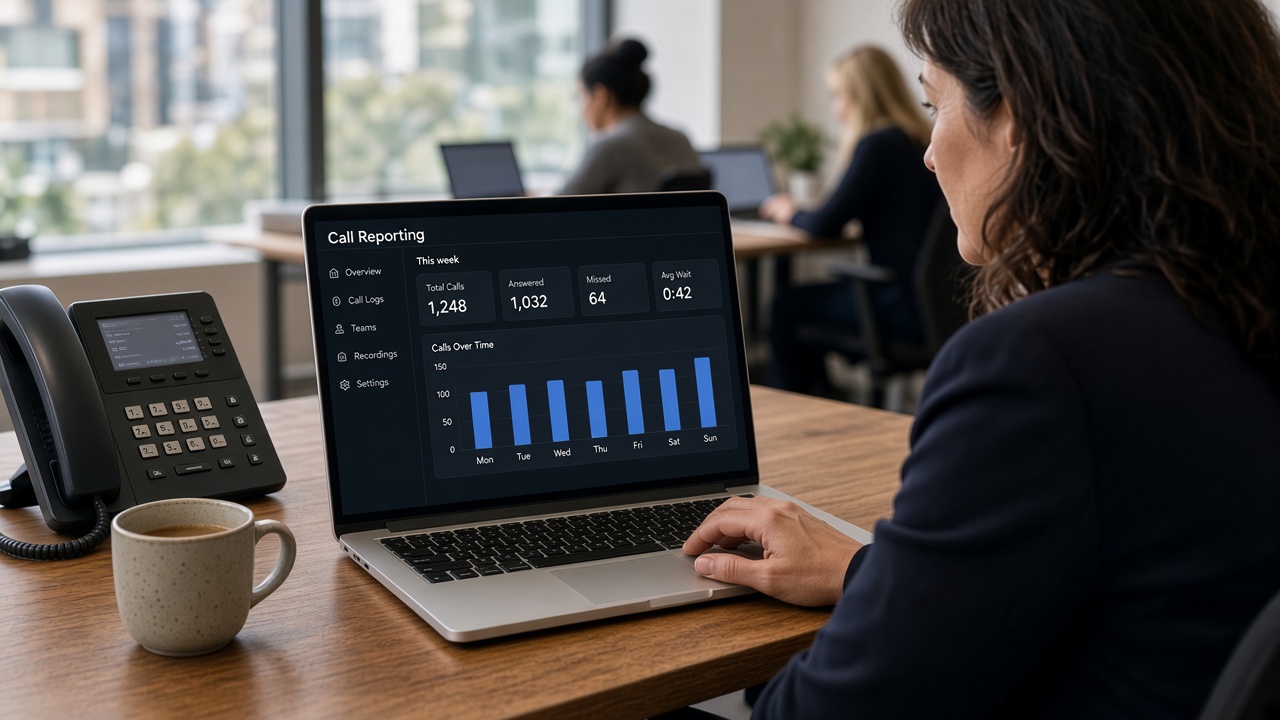
Setting up a new office phone system generally involves planning your call flow, confirming your internet is ready to support VoIP, porting or assigning numbers, choosing devices, configuring extensions and features, and testing everything before going live. Training your team is the final step, so everyone is confident from day one.
What Are the Steps to Set Up a New Office Phone System?
Whether you’re moving into a new office or replacing an old system, the order you do things in matters. Here are the seven steps we follow with our clients.
1. Plan your call flow
Decide how calls should be routed, who answers what, and what happens after hours. Think about your busiest times, who backs up reception, and where calls go when nobody is free.
A simple sketch on paper is a great start. If you want callers to choose a department, our guide to setting up an auto attendant explains how a greeting menu works.
2. Check your internet connection
Make sure your bandwidth and stability are sufficient for the number of staff who’ll be on calls at the same time. Voice quality depends on a steady connection more than a fast one.
If you have an IT provider, loop them in early. We work alongside existing IT suppliers, so they look after your network and we look after your phones.
3. Arrange your numbers
Port your existing numbers across, or set up new ones if you need them. Start the porting paperwork early, as the timing depends on your current carrier. Our article on how long number porting takes in Australia covers what to expect.
4. Choose your devices
Decide which staff need a desk phone and who would be better served by the mobile app or a softphone on their computer. Reception and busy workstations usually benefit from a physical handset, while staff who are often out of the office may only need the app.
5. Configure extensions and features
Set up each person’s extension, voicemail, call routing, auto attendant and any other features your team needs. This is where your call flow plan turns into real settings, so having it written down saves a lot of back and forth.
6. Test everything
Run test calls through every path in your call flow before relying on it for real customers. Call in during business hours and after hours, choose every menu option, and leave a voicemail to check it arrives where it should.
7. Train your team
Make sure staff know how to use the features relevant to their role, such as transferring calls, checking voicemail and using the mobile app. A short session before go-live means fewer questions on the first busy morning.
Why Does Planning Matter So Much?
A rushed setup often leads to avoidable issues, like calls going to the wrong person or features not being set up the way the business actually operates. These problems usually show up on the first busy day, which is the worst time to find them.
Taking the time to map out your call flow properly before going live saves headaches down the track. It also makes later changes easier, because everyone understands how the system is meant to work. You can read more about how we approach this on our phone system setup and design page.
What Should You Check Before Going Live?
Run through this quick checklist before you switch over:
- Your call flow is written down and agreed by the people who answer calls.
- Your internet has been checked for bandwidth and stability, ideally with your IT provider.
- Number porting has been lodged, or new numbers are ready to use.
- Every staff member has an extension and knows which device they’re using.
- Greetings and after-hours messages are recorded and sound the way you want.
- Voicemail is set up and messages reach the right inbox.
- Test calls have been made through every menu option and time of day.
- Staff have been shown how to answer, transfer and check messages.
Frequently Asked Questions
How long does a full setup usually take?
This varies by business size and complexity, but with good planning most setups can be completed within a couple of weeks, including number porting.
Can we start using the new system before our numbers are ported?
Yes. Your system can go live straight away for training and testing while number porting happens in the background.
Do we need someone on-site to set it up?
Not usually. Most setup can be done remotely alongside your existing IT supplier, and we offer on-site installs within about a two-hour drive of Pakenham.
Is staff training included?
Yes. Training is included as part of our service, so your team knows how to use the features relevant to their role.
Let Us Handle the Setup for You
We manage the whole process for you, from call flow design through to go-live, so you don’t have to work through this alone. We can also set you up with a free one-month trial on a fully functioning system, and our phones are answered 8am-10pm, 7 days a week. Book a 15-minute chat with Phil or contact the Smart Phone Systems team.