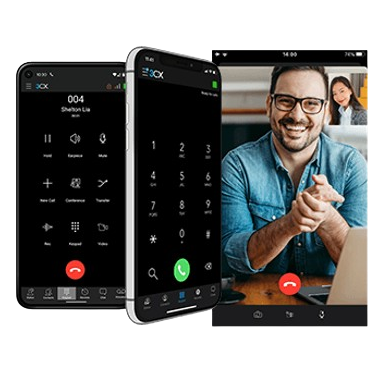
Virtual Phone System for Business
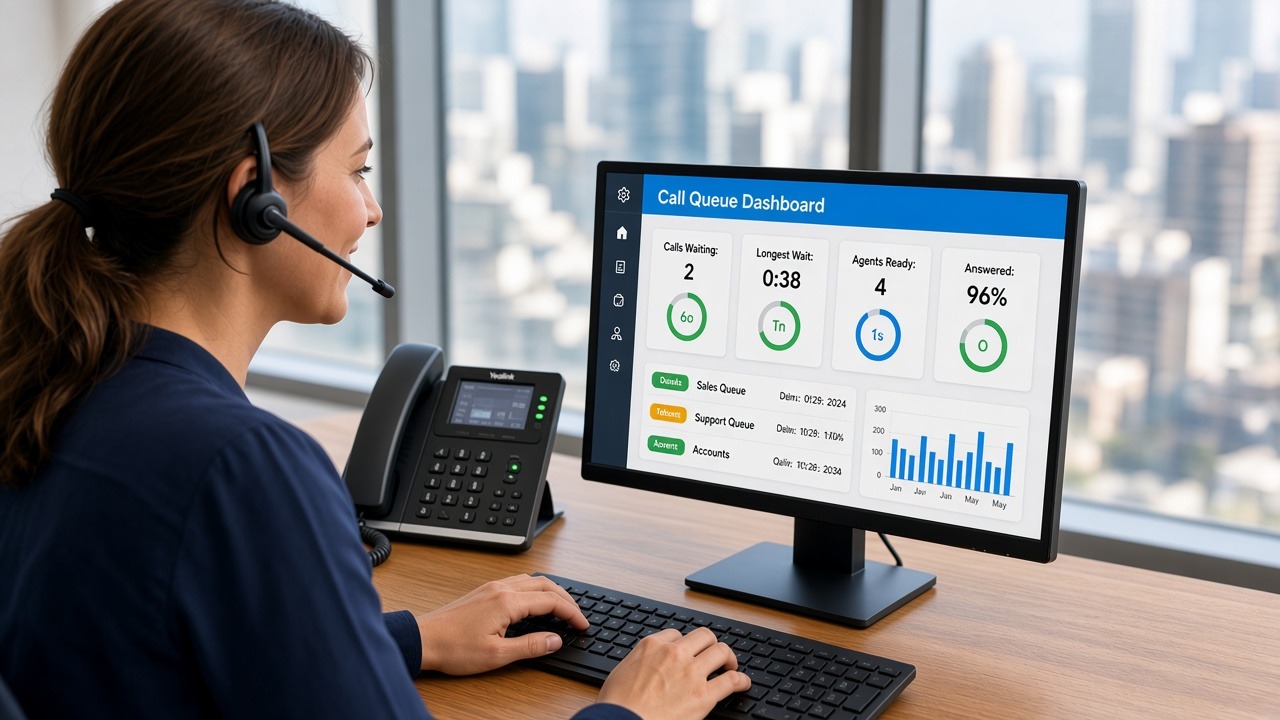
A virtual phone system helps your team manage calls professionally, without traditional phone lines or outdated office equipment. Your team can answer calls, route enquiries, use voicemail, support remote workers and present a professional image from almost anywhere.
At Smart Phone Systems, we provide hosted phone systems that combine virtual switchboard features, PBX functionality, mobile access, call routing, voicemail, and other tools that help businesses communicate clearly and efficiently.
Whether you are a small business, a growing team, or a business with staff working from different locations, a virtual phone system can help you manage calls more effectively.
Learn more about our hosted phone systems here:
Hosted Phone Systems
What Is a Virtual Phone System?
A virtual phone system is a business phone solution that helps manage calls through hosted technology rather than relying only on traditional phone lines or on-site phone equipment.
It can help your business answer, route, transfer, and manage calls across users, devices, and locations. This means staff can use desk phones, mobile apps, softphones, or other supported devices while still working through the business phone system.
A virtual phone system can include features such as:
- call routing;
- voicemail;
- voicemail to email;
- call forwarding;
- ring groups;
- auto attendants;
- virtual switchboard features;
- mobile app access;
- desktop calling;
- conference calling;
- after-hours call handling;
- extension-to-extension calling.
For many businesses, this creates a more flexible and professional way to manage customer communication.
Virtual phone systems are particularly well suited to businesses where staff often work across multiple locations such as NDIS providers, finance businesses, real estate agencies and education providers.
Why Businesses Choose a Virtual Phone System
Modern businesses need phone systems that can adapt. Staff may work from the office, from home, across multiple sites, or while travelling. Customers still expect calls to be answered professionally, even when your team is not sitting in one location.
A virtual phone system can help by keeping your business communication organised and flexible.
It can support:
- remote and hybrid workers;
- mobile teams;
- small businesses;
- growing teams;
- multiple locations;
- professional call answering;
- better call routing;
- after-hours call handling;
- voicemail and missed call follow-up.
Instead of being tied to one physical office, your phone system can support the way your business actually works.
Related article:
Remote Business Phone System
Virtual Switchboard Features
A virtual phone system can act like a virtual switchboard by helping route calls to the right person, team, or department.
This is useful when customers call your main business number and need to reach sales, support, accounts, reception, or a specific staff member. Instead of one person manually handling every call, the system directs calls based on your setup.
Virtual switchboard features can help with:
- routing calls to departments;
- transferring calls between staff;
- using ring groups;
- creating call menus;
- managing busy periods;
- reducing missed calls;
- improving caller experience.
For example, a call may first go to reception. If no one answers, it may ring another team member, go to voicemail, or follow an after-hours process.
This helps make your business sound more professional and keeps calls moving to the right place.
Virtual PBX Functionality
A virtual PBX gives your business many of the features of a traditional office phone system, but with more flexibility.
PBX stands for Private Branch Exchange. In simple terms, it is the phone system that manages calls between your business, your team, and the outside world.
A virtual PBX can support:
- extensions;
- call transfers;
- voicemail;
- call forwarding;
- auto attendants;
- ring groups;
- conference calling;
- mobile and desktop access;
- business call handling rules.
This gives your team useful communication tools without needing an old-style on-site phone system.
Explore more features here:
Business Phone System Features
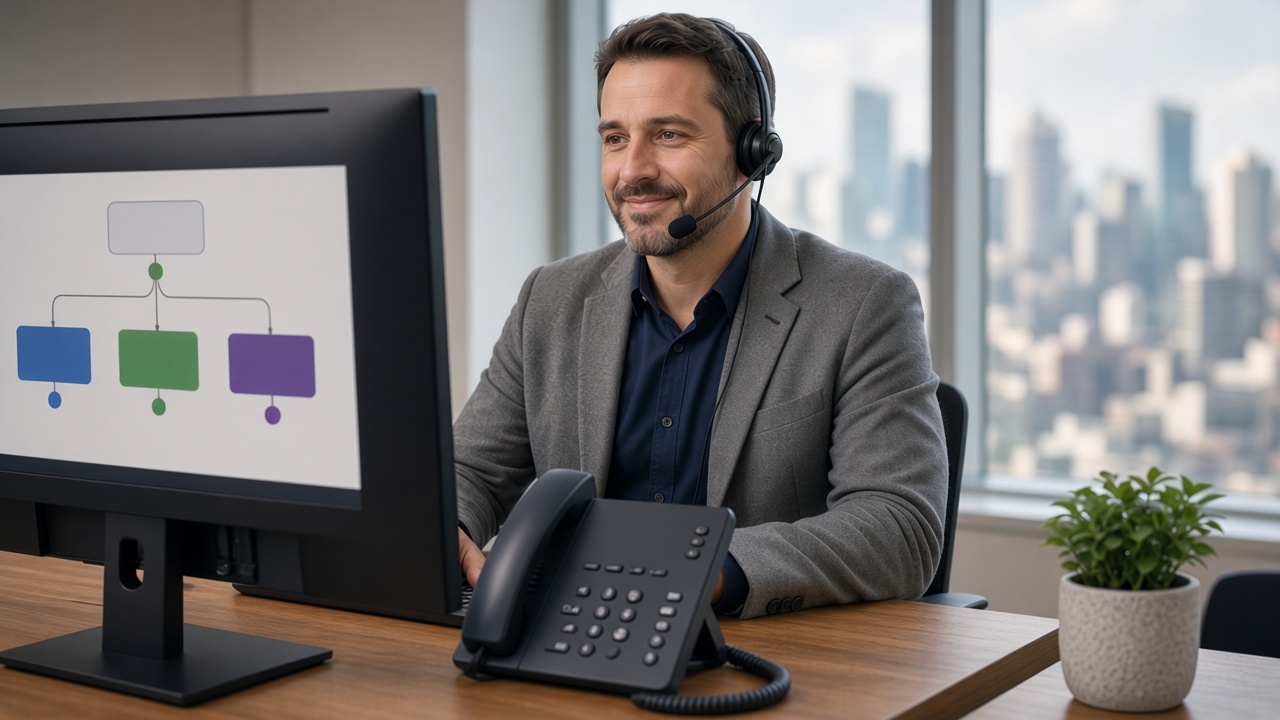
Auto Attendants for Professional Call Handling
An auto attendant can help answer and direct calls automatically.
For example, callers might hear:
Thank you for calling Smart Phone Systems. Press 1 for sales, press 2 for support, or press 3 for accounts.
Auto attendants can be useful for:
- small businesses;
- support teams;
- sales teams;
- businesses with multiple departments;
- after-hours call routing;
- busy call periods;
- businesses that want a more professional first impression.
A well-designed auto attendant should be simple and easy to follow. Too many options can frustrate callers, so it is best to keep the menu clear and practical.
Call Routing That Matches Your Business
One of the biggest advantages of a virtual phone system is flexible call routing.
Different businesses handle calls in different ways. Some want all calls to go to reception first. Others want calls routed by department, time of day, staff availability, or urgency.
A virtual phone system can help route calls based on:
- business hours;
- after-hours settings;
- departments;
- ring groups;
- staff availability;
- on-call requirements;
- voicemail rules;
- call forwarding rules.
This means your phone system can be designed around your business, rather than forcing your team to work around the phone system.
Learn more here:
After-Hours Phone Management
Support Remote and Mobile Staff
A virtual phone system can make it easier for staff to handle business calls away from the office.
Depending on your setup, users may be able to make and receive calls from a mobile app, computer softphone, desk phone, or browser-based client. Staff stay connected while working from home, travelling or moving between locations.
This can help your business:
- support remote workers;
- keep personal numbers private;
- answer calls from different locations;
- transfer calls between staff;
- use business numbers on supported devices;
- maintain a professional caller experience.
Useful related pages:
Reduce Missed Calls
Missed calls can mean missed enquiries, missed bookings, or lost sales opportunities. A virtual phone system can help reduce missed calls by giving your business more ways to handle incoming calls.
Useful features include:
- ring groups;
- call forwarding;
- voicemail;
- voicemail to email;
- lost call alerts;
- after-hours messages;
- mobile app access;
- call routing rules.
For example, if one team member is unavailable, the call may ring another person or group. If the call is missed, voicemail or lost call alerts prompt your team to follow up.
Related pages:
A Cost-Effective Phone System for Growing Businesses
A virtual phone system can be a cost-effective option for businesses that want professional phone features without maintaining an outdated phone setup.
Costs can vary depending on users, handsets, features, setup needs, and ongoing support. However, the flexibility of a hosted system can make it easier to scale your communication setup as your business changes.
A virtual phone system can help growing businesses:
- add users;
- support new staff;
- connect multiple locations;
- introduce remote work options;
- improve call handling;
- change call flows over time;
- avoid relying only on personal mobiles.
Read more here:
Planning Business Growth With VoIP
Better Caller Experience
A virtual phone system is not just about technology. It is also about giving callers a smoother and more professional experience.
Customers want to reach the right person quickly. They also want clear messages, helpful options, and a reliable follow-up process if someone is unavailable.
A well-configured virtual phone system can help improve the caller experience by:
- answering calls consistently;
- routing calls clearly;
- reducing unnecessary transfers;
- using professional greetings;
- offering voicemail when needed;
- supporting after-hours messages;
- helping staff follow up missed calls.
For more practical ideas, read:
Customer Call Handling Tips
Choosing the Right Virtual Phone System
The best virtual phone system is the one that suits your business structure, staff, customers, and call flow.
Before choosing a system, it helps to consider:
- how many users you need;
- whether staff work remotely;
- whether you need desk phones, apps, or softphones;
- how calls should be routed;
- what should happen after hours;
- whether voicemail should go to email;
- whether missed call alerts are needed;
- whether your business will grow or add locations.
Smart Phone Systems can help design a hosted phone setup that matches your requirements.
Virtual Phone Systems With Smart Phone Systems
Smart Phone Systems helps Australian businesses set up hosted phone systems that are flexible, practical, and professional.
We can help with:
- hosted phone system setup;
- virtual switchboard features;
- virtual PBX functionality;
- call routing;
- extensions;
- mobile app access;
- softphones;
- voicemail to email;
- lost call alerts;
- after-hours call handling;
- business greetings;
- number porting;
- ongoing support.
Learn more about setup here:
Hosted Phone System Setup
Or get in touch here:
Contact Smart Phone Systems
Conclusion
A virtual phone system for business gives your team a more flexible and professional way to manage calls. It can support remote workers, route calls to the right people, reduce missed enquiries, provide voicemail and after-hours options, and help your business grow without relying on outdated phone systems.
With Smart Phone Systems, your business can choose a hosted phone setup that supports your team, improves caller experience, and adapts as your communication needs change.